
O-11-106 Access Online Learning Hub (OLH) Modules
👤 ROLE
Employee
🎯 PURPOSE
The Online Learning Hub (OLH) provides employees with education on the Home Care Home Base (HCHB) and Pointcare applications. OLH modules are completed by new employees at time of hire and/or role change as essential parts of their education in their role.
This process shows the steps and employee takes to sign into OLH and access assigned modules.
For instructions on how to give an employee access to OLH, click here.
🔄 PROCESS
- Click this link to reach the OLH website. Sign in will be via Single-Sign-On (SSO).
-
https://idp.hchb.com/HchbApp/Open?app=OLH&domain=adarahomehealth.com
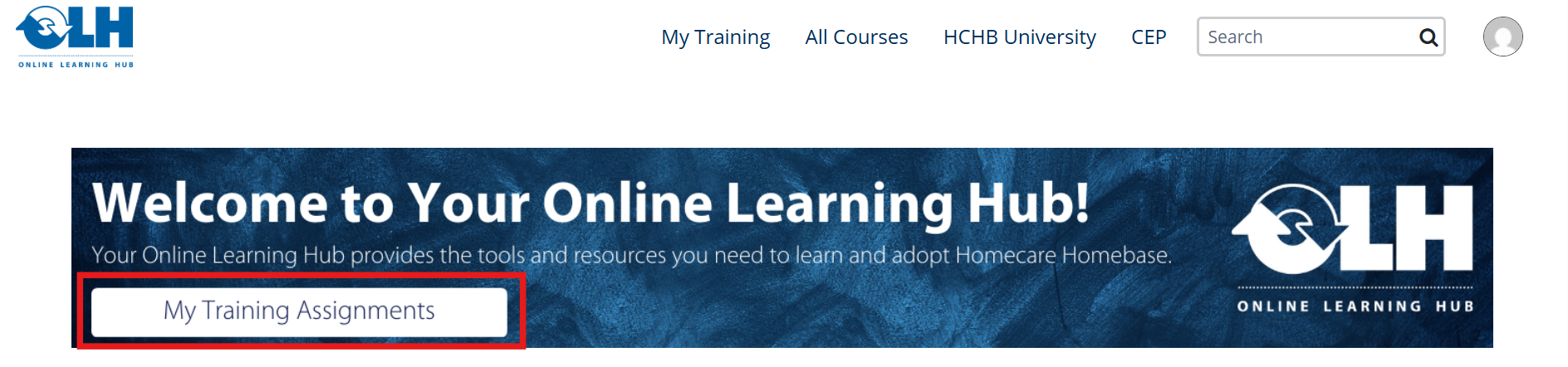
After signing in, the main page of the OLH website will open. Select My Training Assignments.
-
-
You will be taken to your profile, where your learning paths are listed. You may have more than one learning path assigned.

- The following information will be listed for each course:
- The Title of the course
- Enrollment Date
- Status
- Completed Date
- Expiration Date
- "Receive notifications" checkbox
- Under the Title header, the names of the assigned courses are listed. Click a course title to open that course.
Refer to your supervisor's direction on which modules should be completed first.
📅 Effective: 06.30.2026 | 🛠️ Revised: N/A | ✅ Approved: JFJ