
O-9-600 Send Fax via Mosai
🎯 PURPOSE
Details the steps to send a fax using Mosai.
🔄 PROCESS
-
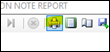
In the document, select the print icon.
-
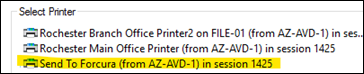
Select the printer option title Send to Forcura:
-
Select Print:

-
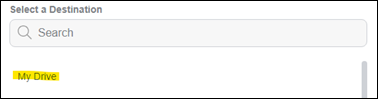
Select My Drive:
-
Select Send:
-
Go to Mosai - Drive:

-
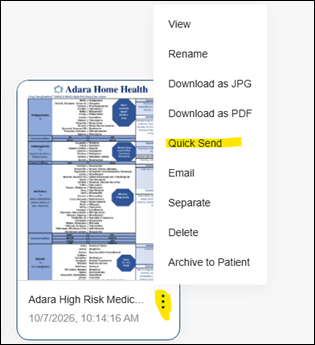
Select the three dot menu on the appropriate file and select Quick Send:
-
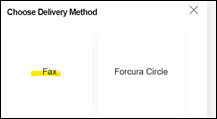
Select Fax:
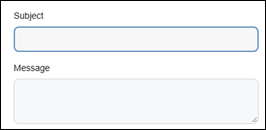
- Enter Subject and Message if appropriate (do not include PHI):

Example: For Missed Visit Notifications, add message text “Notification Only- No Signature Required”.
-
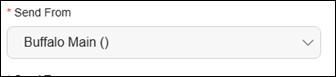
Select branch fax:
-
Enter name or number for recipient:

-
Select appropriate Cover Sheet:
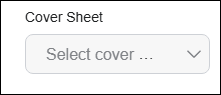
Note: User must select a cover sheet in order for one to print with the fax.
-
Select Send:
-
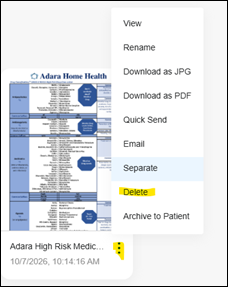
Go back to Drive and select the file, menu and Delete:
📅 Effective: 10.21.2026 | 🛠️ Revised: N/A | ✅ Approved: JS