
O-9-302 Print to Mosai using DirectConnect
🎯 PURPOSE
Details the steps a back office user may take to use the DirectConnect print driver to print documents to Mosai. From Mosai, the document can be faxed or attached to the HCHB medical record. This feature can be used with PDF documents and when printing from a web browser (ie. EMR portals).
🔄 PROCESS
-
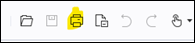
Select Print/Print Icon:
-
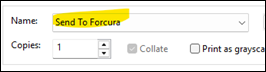
From the printer options, select Send to Forcura:
-
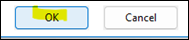
Select OK:
-
Select a destination to send the file to in Mosai:
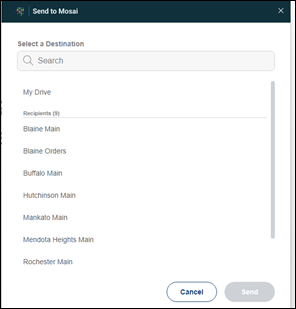
NOTE: If you select My Drive, only the user sending the file can access. It is recommended to send to the appropriate Branch Main fax.
-
Select Send:

📅 Effective: 10.19.2026 | 🛠️ Revised: N/A | ✅ Approved: JS