
O-3-100 Employee Additional Services
👤 RESPONSIBLE POSITION | ROLE
Business Manager/Staffing Manager
🎯 PURPOSE
Describes how to enter Employee additional pay for hours worked outside of direct patient care. Examples include case conferences, meetings, general orientation.
🔄 PROCESS
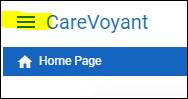
1. Select Menu:
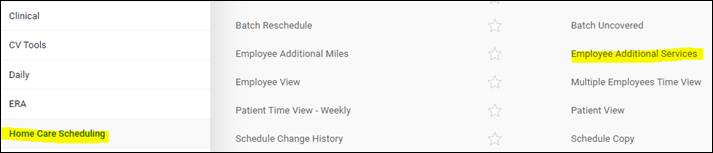
2. Under Home Care Scheduling, select Employee Additional Services:
3. Select + icon to add a new item:

4. Select Employee:

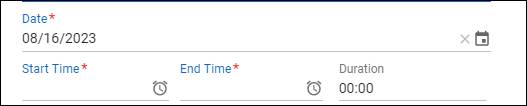
5. Enter Date/Time of training/hours:
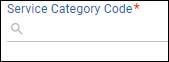
6. In the Service Category, enter Office Time (case conference, meeting, etc) or Orientation (training, general orientation hours):
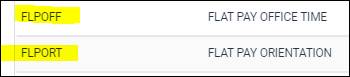
7. Confirm pay rate is accurate:
8. Mark Pay to approve:
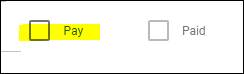
NOTE: If pay is not checked when entering, then part of schedule verification process needs to include approving Employee Additional Services Pay. These can be filtered by Pay Not Marked filter:
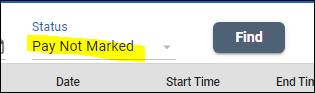
Example: If Staffing Manager enters additional pay and Business Manager approves prior to payroll verification.
9. Once entry has been completed, select Save:

📅 Effective: 08/16/2023 | 🛠️ Revised: | ✅ Approved: JS