
O-9-502 Print Certificates in RCTC
🎯 PURPOSE
RCTC provides a Certificate of Completion after you successfully complete the course requirements. Certificates can be viewed and printed from My Certificates on your homepage.
NOTE: Access your certificates on the web portal at https://rctclearn.net/learn/support
🔄 PROCESS
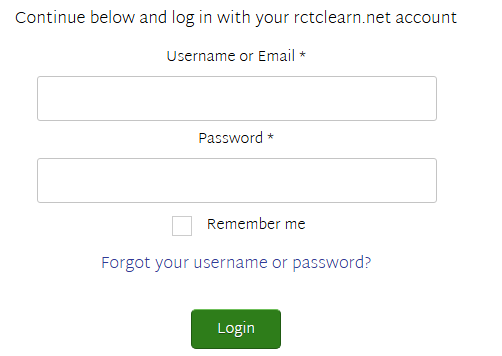
- Go to RCTCLEARN and sign in using your username/email and password:
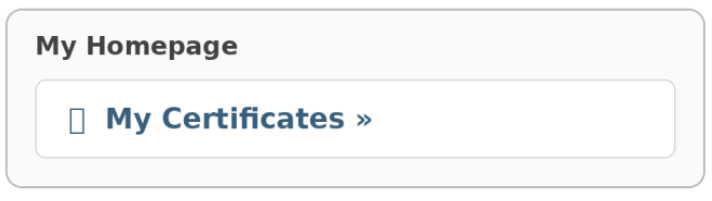
- From My Homepage, go to My Certificates to view certificates for successfully completed courses:
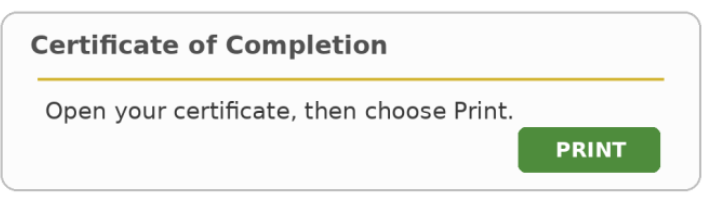
- Open the certificate. Select the certificate for the completed course you want to keep.
- Print or Save: Choose Print. To keep an electronic copy, select Save as PDF from your computer's print options, then save the file where you can find it later.
IMPORTANT: Save or print certificates you want to retain by October 1, 2026.
📅 Effective: 09/18/2026 | 🛠️ Revised: | ✅ Approved: GS