
O-6-414 Access the Pay Summary and Pay Detail Reports
👤 ROLE
Manager Role
🎯 PURPOSE
The Pay Summary Report and Pay Detail Report are helpful tools for managers in reviewing employees’ hours worked and pay adjustments entered within timesheets.
🔄 PROCESS
-
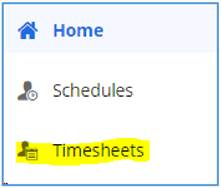
Logged in as a manager, navigate to Timesheets.
-
Within Timesheets, select Reports.

-
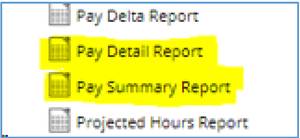
Within the pop-up, select either the Pay Detail Report or the Pay Summary Report from the list on the left-hand side.
-
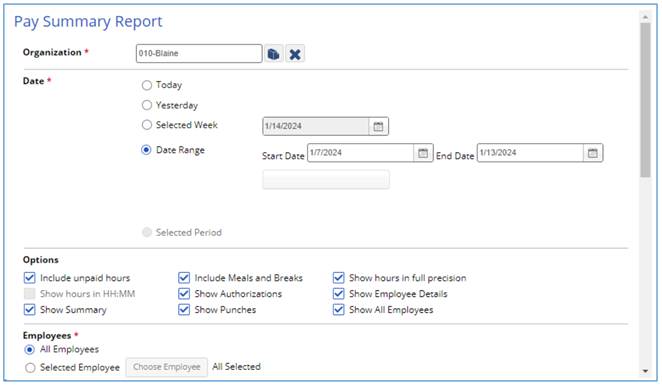
Available filters will load on the right. Select your desired filters including the date range.
-
To run the report, scroll down to the bottom of the filters options and select Run Report in the lower right.
-
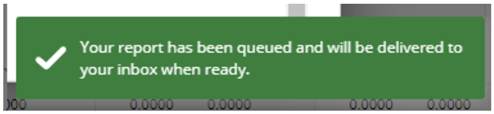
A green pop-up will appear in the lower right of your screen.
-
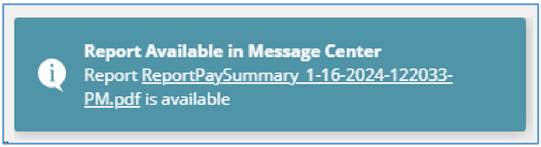
When the report is ready, a second pop-up will appear in the lower right corner of your Dayforce window, notifying you the report is ready.
-
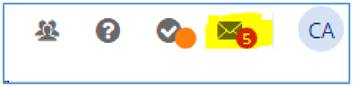
To access the report within the message center, select the messages icon in the upper right of your window.
-
The report will be available in your inbox. Select the blue text to open the report.

-
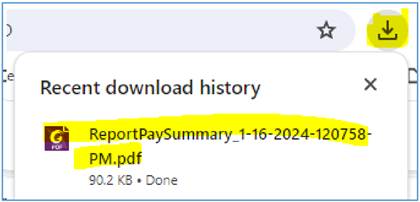
The report will appear in your web browser downloads. Click the document name within downloads. The selected report will in a new tab within your web browser.
📅 Effective: 01.16.2025 | 🛠️ Revised: 08.17.2026 | ✅ Approved: JFJ